App icon
512 × 512 PNG
Official press kit
Verified product facts, a concise description, the developer story, and downloadable RateGlance media for launch coverage.
Press-ready one-line description
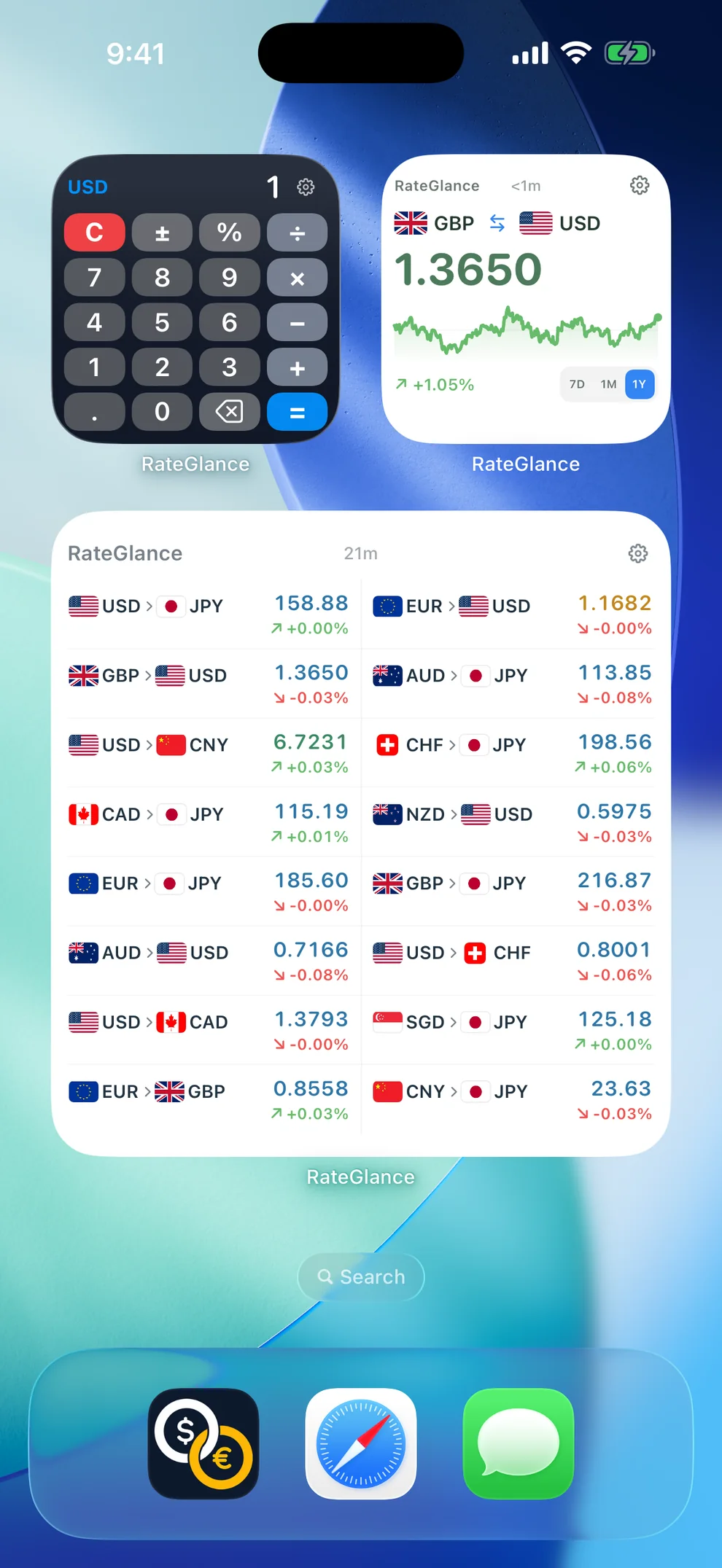
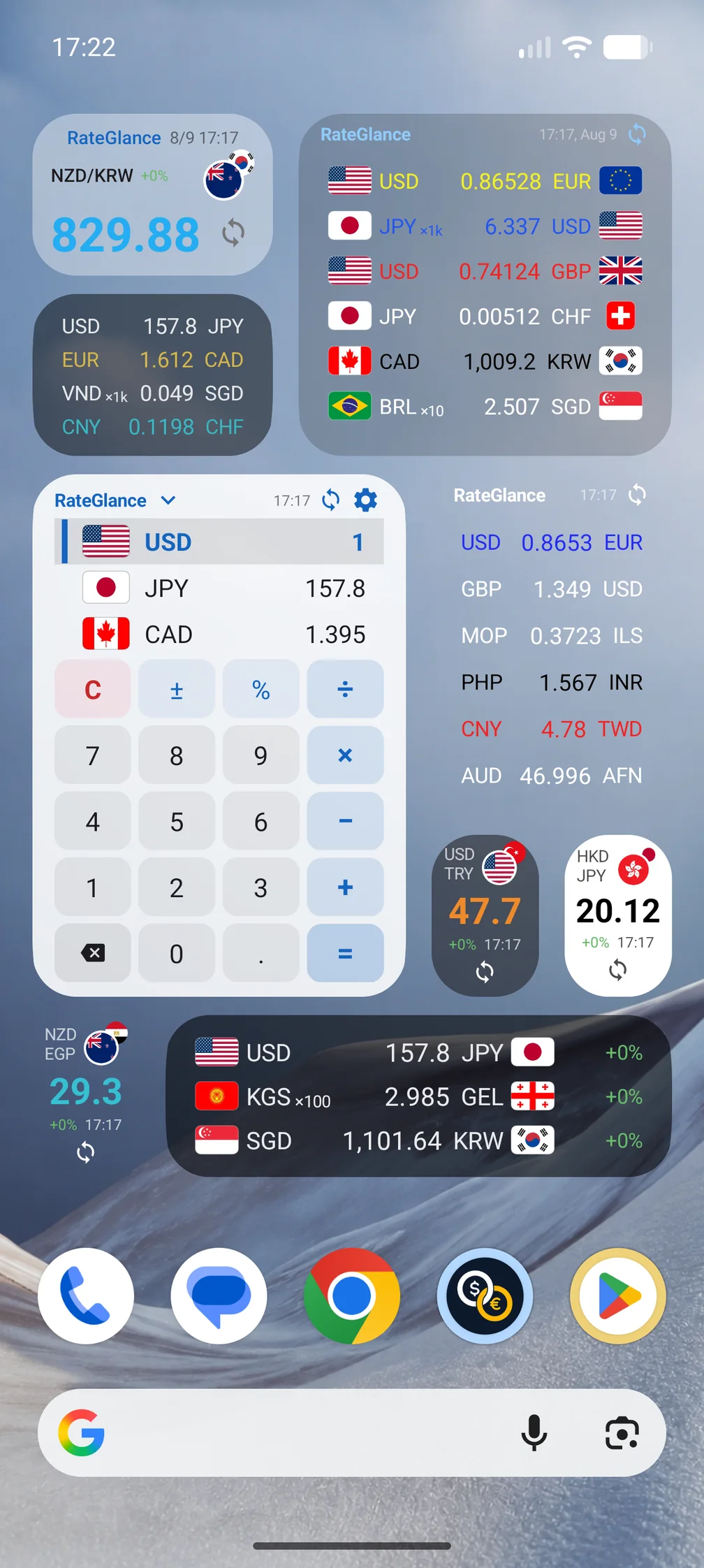
Enter an amount directly in the RateGlance Home Screen widget and see the configured currencies update together. The app also offers configurable rate cards, lists and charts, plus native wrist experiences for Apple Watch and Wear OS.
Developer story
RateGlance began with a small daily frustration: checking a converted amount meant finding and opening an app, selecting currencies, and entering the number before the useful answer appeared. ChoyoWorks set out to move that answer onto the surfaces people already look at—the Home Screen and the wrist.
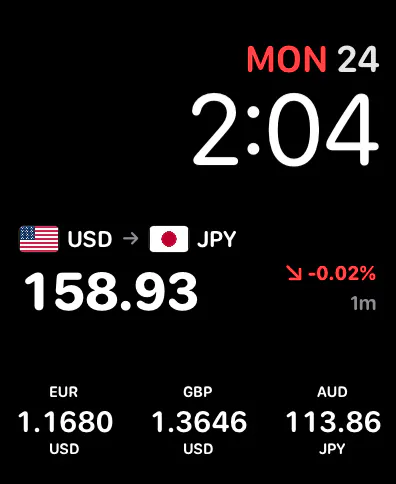
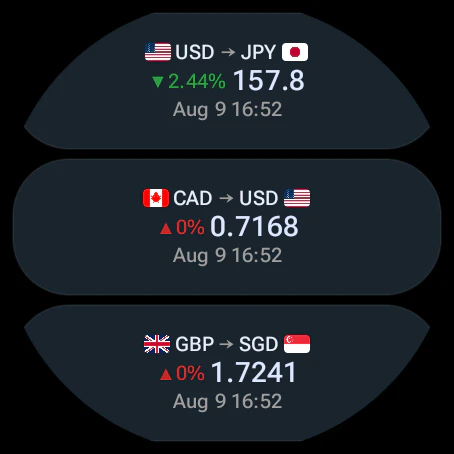
On iPhone, widgets do not accept ordinary text input, so the calculator keypad had to be designed around WidgetKit button interactions and tuned to remain responsive without sending the user into the app. The same focus on native surfaces extends to Apple Watch complications and to the Wear OS Tile, watch-face complications, and calculator.
The result keeps quick calculations and selected rates close at hand, while configurable layouts give people control over what appears. Previously loaded rates remain usable when the connection is weak or unavailable. RateGlance requires no account, has no ads or analytics tracking, and offers a one-time purchase option.
Media library
These files show real RateGlance interfaces. Please keep screenshots inside their original platform context and do not place Android UI in an iPhone frame or Apple Watch UI in a Wear OS shell.


Editorial guidance